
This is the first instalment in a series of posts on Photoshop text effects. Adobe Photoshop is the preferred software of most designers, and it’s not surprising considering how powerful yet versatile it is.
Many of the tutorials below only require Photoshop and some of your time; others incorporate additional software and/or provided resources you can install or copy and paste for use within Photoshop. Some tutorials are also compatible with Photoshop Elements, so if you have that instead of a full-blown version of Photoshop, you’ll be able to use it to maximum effect.
If the version of Photoshop you have is newer than that specified in the tutorial, don’t worry – you’ll still have everything you need to complete it, even if tools or screenshots look a bit different.
So, on with the Photoshop text effect tutorials!
Fresh 3D Text Tutorial
“The key is to create the letters in a 3D package first as individual characters, then bring them into Photoshop for further post work. Through clever use of Photoshop’s masking tools and layers, Nik has created type with characters that weave in and out of each other.”

“This tutorial will show you how to create your own scrabble tiles set from scratch, so that you can use them anytime with any background you like.”
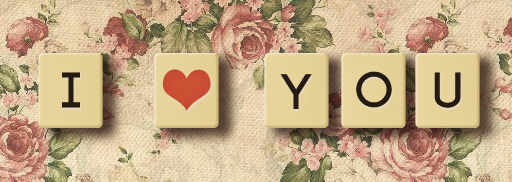
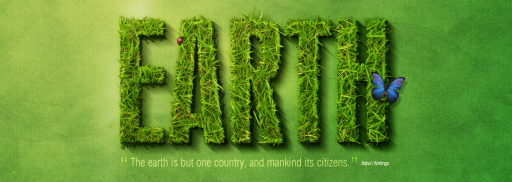
Grass Effect Text Photoshop Tutorial
“Today, we have decided to bring back a post by Envato founder, Collis Ta’eed, from May 2008, that demonstrates how to create a spectacular grass text effect in Photoshop. Let’s get started!”
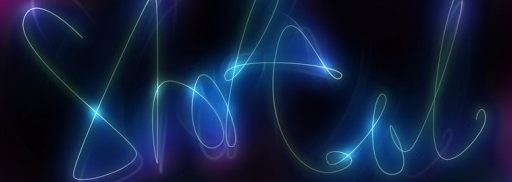
Lighting Shutter Text Effect Tutorial
“icanbeCreative teaches you how to create this beautiful slow shutter text effect.”
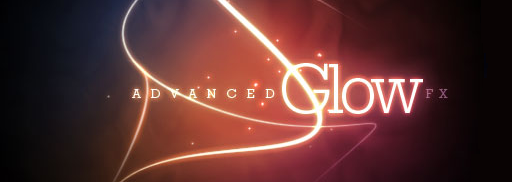
“In this tutorial, we’re going to create some really sharp-looking glow effects using a combination of layer styles, the Pen Tool and Color Blending. The end effect is quite stunning and hopefully you’ll pick up some tips you didn’t know before.”
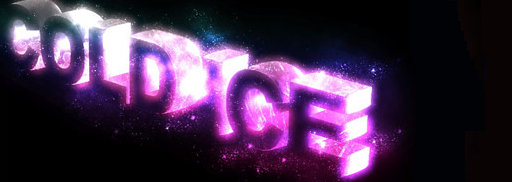
“Together, with a pinch of this and a dash of that, we’ll figure out how to create this cool effect in just 30 minutes.”
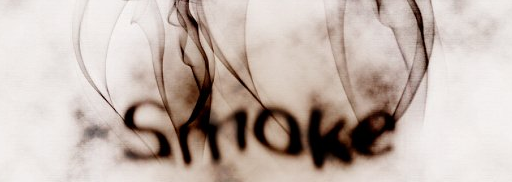
“In this tutorial I will show you how to create a smoke typography effect playing with some brushes and adjustment layers. It’s a very easy tutorial and you will be able to do the whole process in 5-10 minutes.”
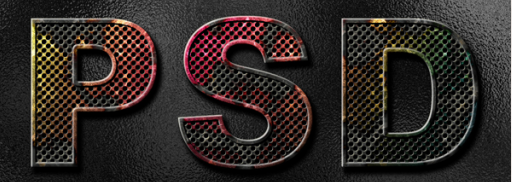
Eroded metal text effect tutorial
“In this tutorial I’ll show you how to create an eroded metal text effect. Throughout this tutorial we’ll make use of various drawing techniques, channels, and patterns. Let’s get started!”
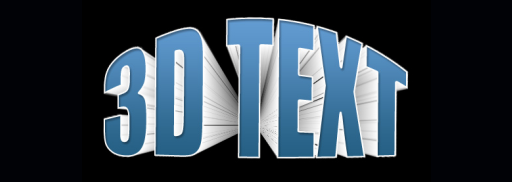
Learn how to create a fantastic 3D text effect using Photoshop.
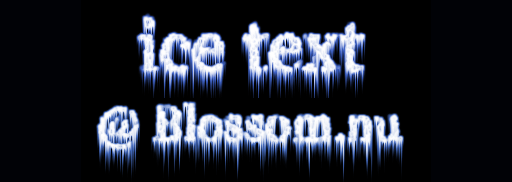
“Ice text is an unusual way to present common fonts, and can be used in different colours for slime or alien effects.”
“In this tutorial we’ll create a cool looking 3D style text effect.”

“Font choice can make all the difference with alien text, so try experimenting with different widths and strengths for this Photoshop tutorial. The end result works better on dark backgrounds.”

“Most of you probably know those awesome letters that were generated with 3D programs. But what about when you don’t have any particular program and you need to make 3D typography? This tutorial will show you how to create the 3D text shape and give it a high quality metal look using pure Photoshop.”

“Create an easy to use layer style that will quickly transform ordinary text into bubble styled font, perfect for use in underwater scenes.”

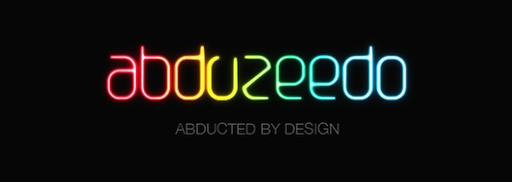
Glowing neon text effect tutorial
Find out how to create Abduzeedo’s fantastic glowing neon text effect.
Which are your favourite Photoshop text effects? Let us know in the comments!


Leave a Reply